Add many points at once
Starting from 10, enter 21 and choose add to reach 31. Add another 39 and the score becomes 70.
Tools in the TOCKA app
Keep each player's score on a single phone. In POINTS, you can start at zero or give everyone the same starting score, then add or subtract throughout the game.
Download on Google Play
Coming soon to iOS
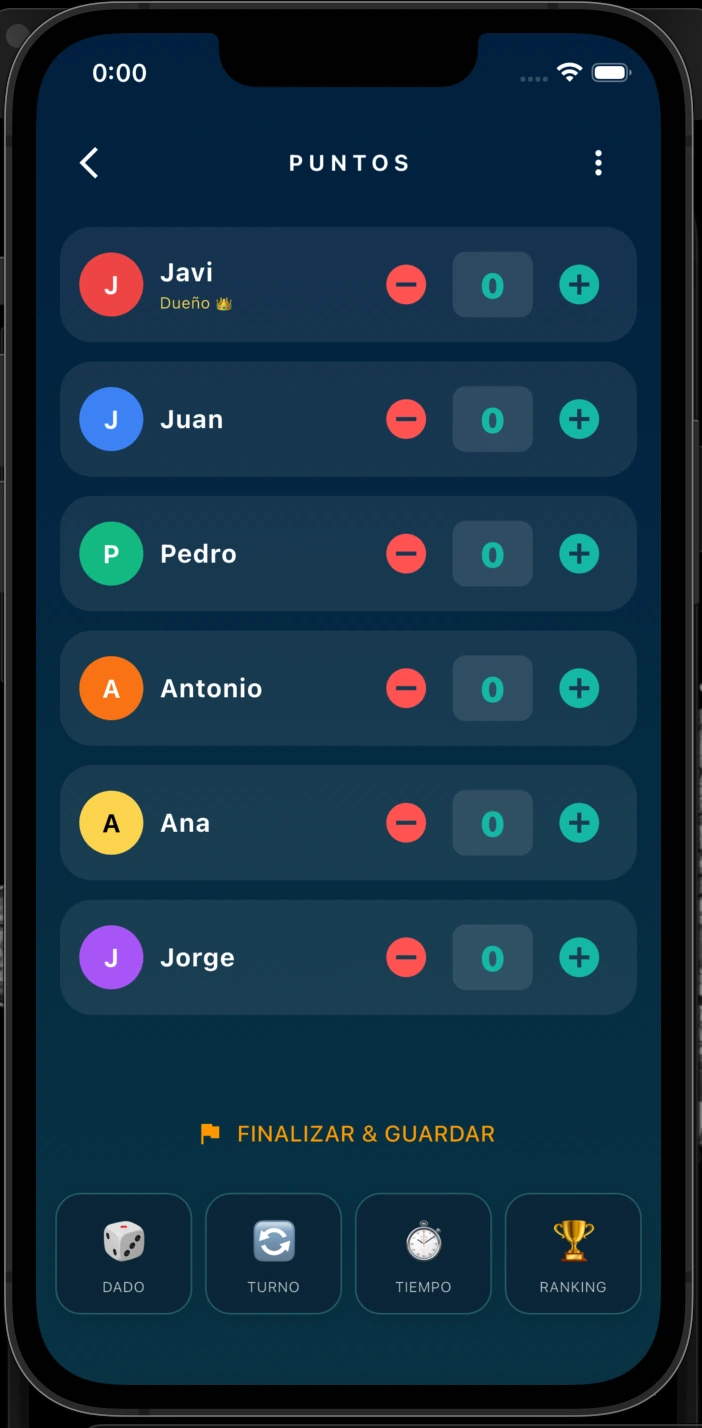
These tools are available in the TOCKA app. This page explains how they work; it is not an online game tool.
Starting from 10, enter 21 and choose add to reach 31. Add another 39 and the score becomes 70.
With 3 points, subtracting 5 leaves −2 if you chose Keep playing. With Eliminate player, it leaves 0 and triggers elimination.
No. The amount is a change that is added to or subtracted from the current score.
Up to 4 in FREE and up to 15 during the 30-day trial or with PRO. Adding and subtracting remain available with either zero rule.