Choose the first player
Before taking the first turn, run a draw among your players.
Tools in the TOCKA app
Everyone is ready, but who starts? Let the wheel choose. TOCKA uses the names and colours of the players in your game to show whose turn it is.
Download on Google Play
Coming soon to iOS
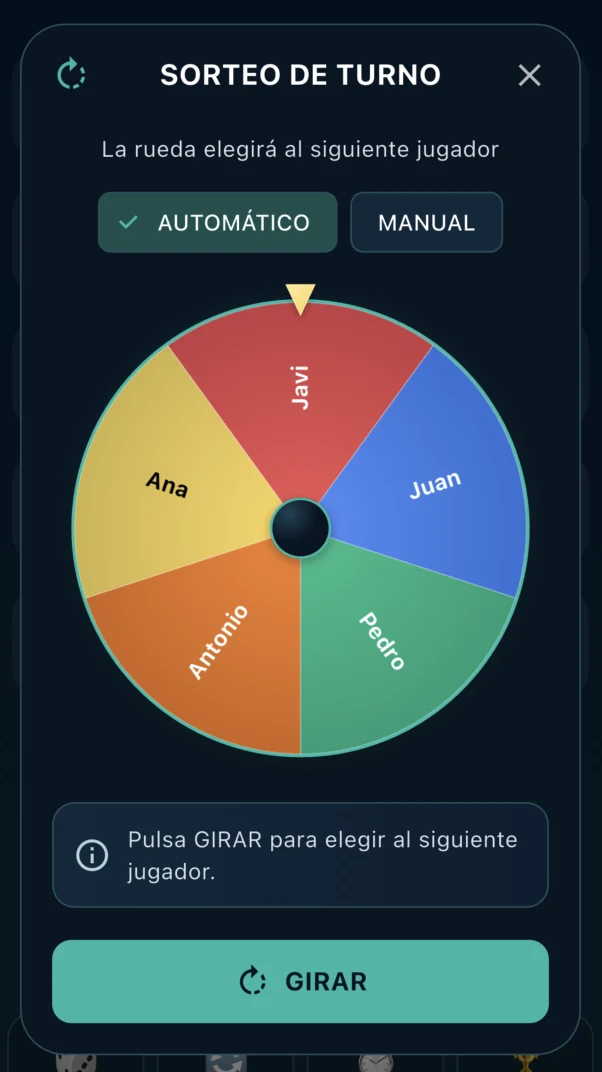
These tools are available in the TOCKA app. This page explains how they work; it is not an online game tool.
Before taking the first turn, run a draw among your players.
Use the wheel when your table's rules call for choosing someone at random. It does not automatically organise a complete turn order.
No. The player is selected randomly when the spin starts. The stop button controls when the slowdown begins, not who is chosen.
Yes. The wheel still includes eliminated players from the game; it is not restricted to the remaining active players.