A single roll
Use one die when your game calls for a single roll. Check the number and carry on playing.
Tools in the TOCKA app
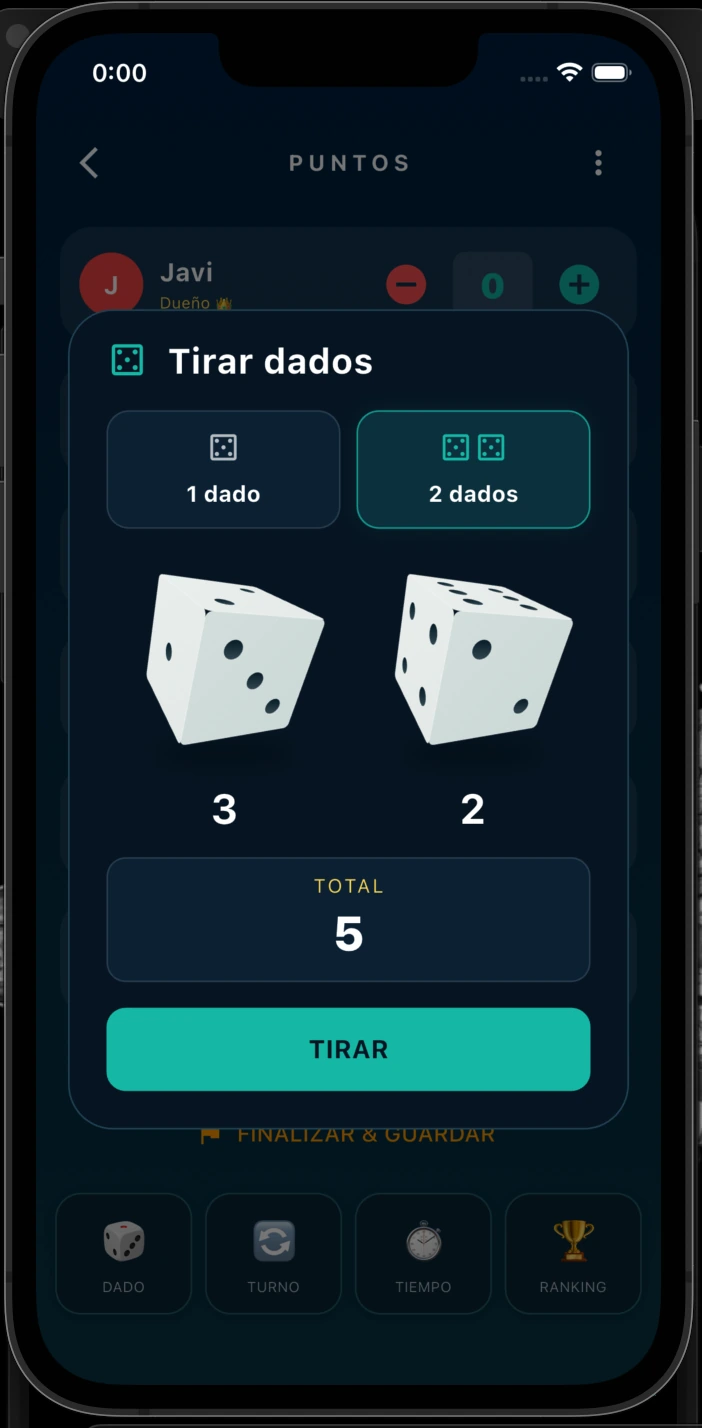
A missing die need not stop your game. TOCKA lets you roll one or two dice on your phone and check the results without leaving the app that keeps your scores.
Download on Google Play
Coming soon to iOS
These tools are available in the TOCKA app. This page explains how they work; it is not an online game tool.
Use one die when your game calls for a single roll. Check the number and carry on playing.
If you roll 3 and 2, TOCKA also shows the total, 5. Both individual values remain visible for games that need them.
No. The dice tool is part of the TOCKA Android app, available on Google Play.
Yes. You can select one die or two dice before rolling.