Time a challenge
Use the stopwatch to measure how long a player takes to complete an action.
Tools in the TOCKA app
Some games measure how long an action takes; others set a time limit. TOCKA's Time tool brings together a stopwatch and a countdown timer for both situations.
Download on Google Play
Coming soon to iOS
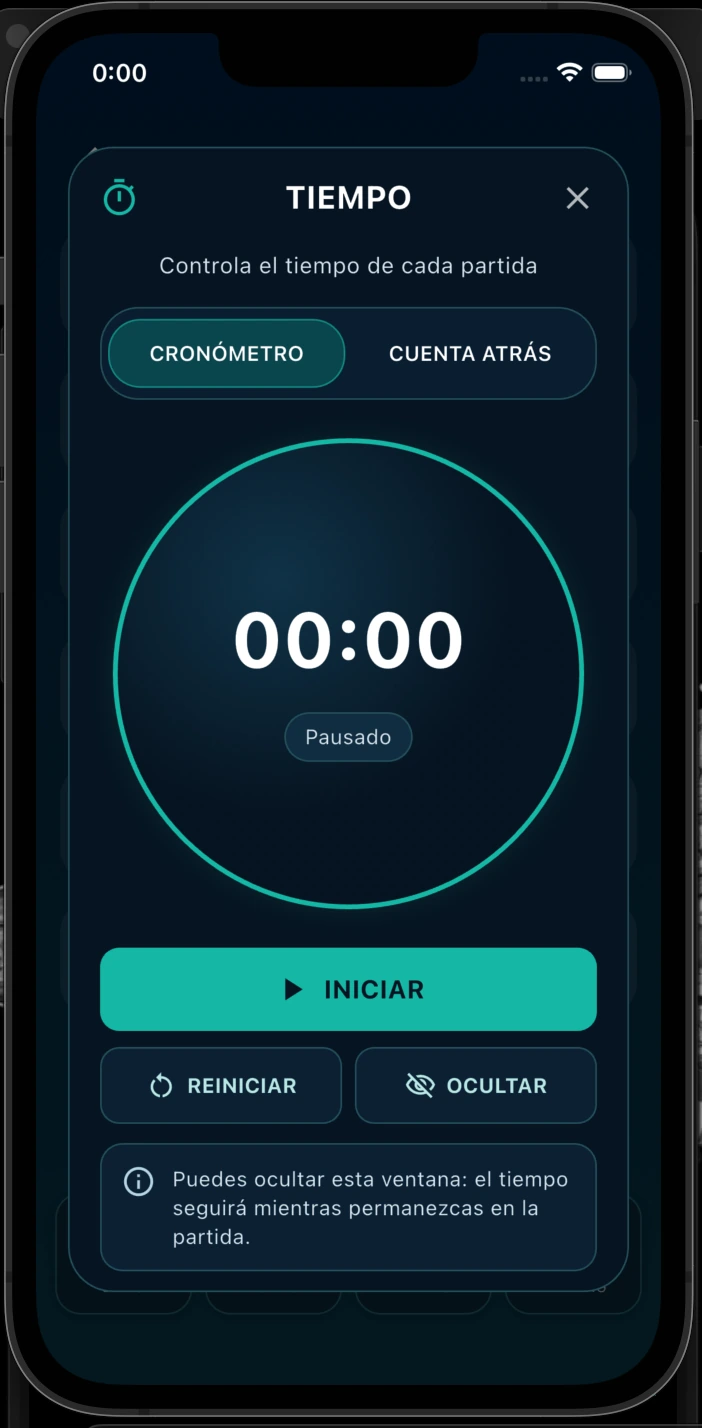
These tools are available in the TOCKA app. This page explains how they work; it is not an online game tool.
Use the stopwatch to measure how long a player takes to complete an action.
Set a countdown for a phase with an agreed duration. Players still apply the rules of the physical game.
No. The stopwatch measures elapsed time; the countdown starts from a duration and counts down to zero.
Yes. Hide the Time window and continue using the scoreboard within the same game.